

Summer break doesn't just mean empty hallways… it means opportunity and time to plan. For K-12 technology teams, the weeks before students return are often the most important of the year. Devices are being repaired, replaced, inventoried, and prepared for another year of daily use. While much of the focus goes toward purchasing new laptops or Chromebooks, one question is often overlooked...
How can we help these devices last longer?
The right laptop is only part of the equation. Equipping students with the right accessories and protection from day one can dramatically reduce repairs, minimize downtime, and extend the life of your technology investment.
Here's what every school should be considering before the first bell rings.
Whether you're refreshing your fleet or adding devices to accommodate growing enrollment, today's student laptops should be designed with durability and longevity in mind.
Look for devices that include:
Even the most rugged education devices aren't designed to withstand every drop, backpack toss, cafeteria table, or bus ride without additional protection.
That's where the right accessories become just as important as the device itself.
A school's technology investment doesn't end once a laptop is deployed. Every trip between classrooms, ride home in a backpack, and accidental drop introduces another opportunity for damage.
The right protective accessories can significantly reduce repairs, extend device life, and help IT teams spend less time fixing devices and more time supporting students.
Higher Ground offers solutions designed specifically for education environments, including:
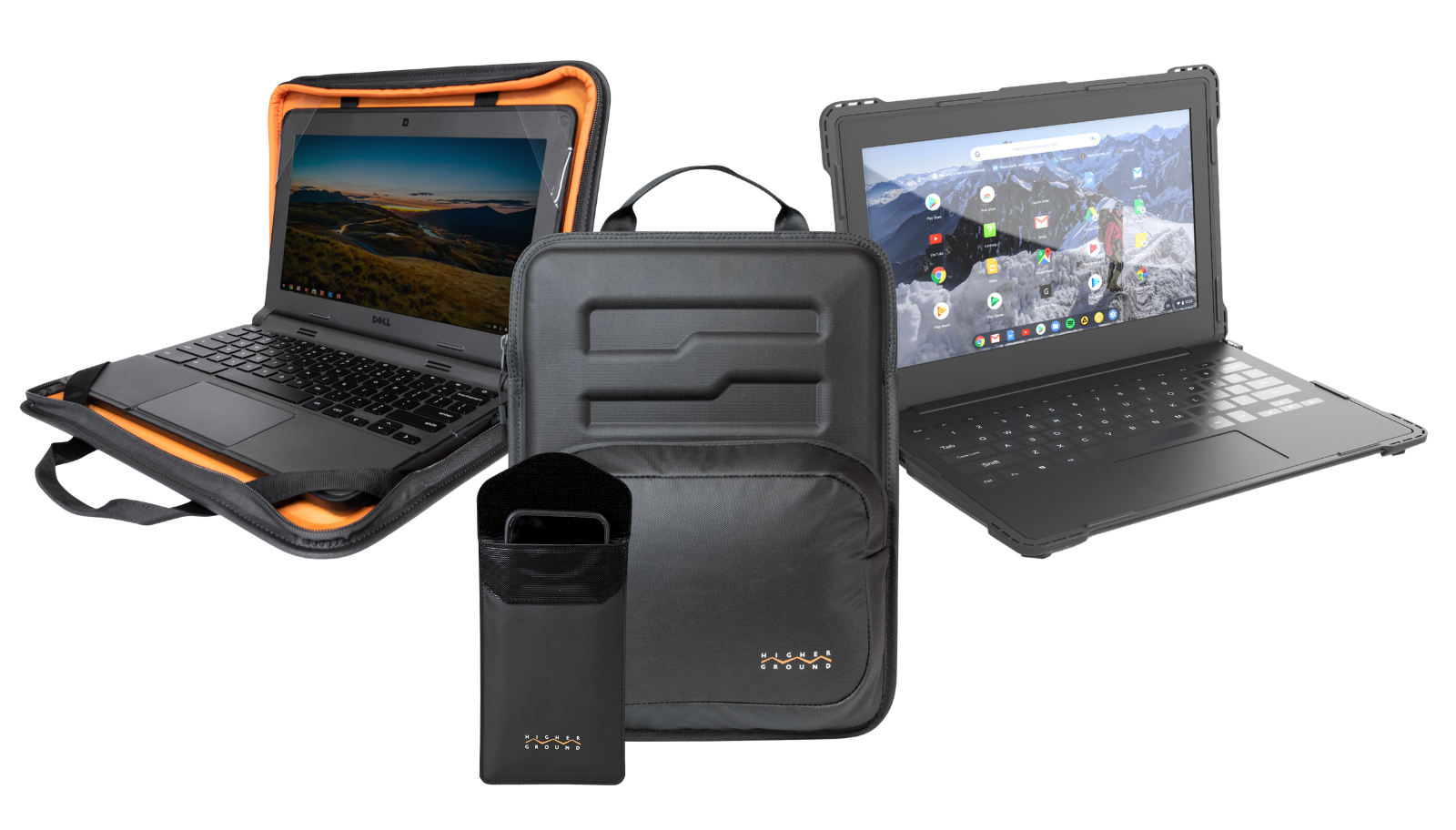
Together, these solutions help reduce accidental damage, simplify device management, and support longer device lifecycles, making them a valuable addition to any back-to-school technology rollout.
When paired with quality laptops and comprehensive protection plans, these accessories create a complete strategy for protecting your district's technology investment.
While protection is critical, schools should also consider accessories that improve usability and support learning.
Popular additions include:
When bundled together with protective solutions, these accessories help create a more reliable and student-friendly technology experience.
Even with durable hardware and protective accessories, accidents still happen.
Drops, liquid spills, cracked displays, electrical failures, and unexpected damage can quickly lead to costly repairs and classroom disruptions.
That's why many districts pair physical protection with comprehensive coverage.
.png)
While protective cases help prevent damage, AssetGUARD™ helps protect your investment when damage does occur.
Instead of worrying about expensive repairs or unexpected replacement costs, schools gain peace of mind through comprehensive protection designed specifically for education environments.
AssetGUARD helps schools:
By combining preventative protection with comprehensive coverage, districts can build a complete lifecycle strategy for every device in their fleet.
Every repair avoided saves more than just the cost of replacement parts.
It also saves:
Over the lifespan of a Chromebook or laptop deployment, investing in protection often costs significantly less than repeatedly repairing or replacing damaged devices.
The goal isn't simply protecting hardware. It's maximizing instructional time while reducing the total cost of ownership for your district's technology investment and retaining its maximum value when it’s time to turn them in and start again.
The best back-to-school technology plans don't stop at purchasing new laptops.
They include a complete strategy that keeps devices protected, organized, and functioning throughout the school year.
By combining durable hardware with protective solutions and the added peace of mind of AssetGUARD™, districts can reduce downtime, simplify device management, and maximize the value of every technology investment.
As your team prepares for another busy school year, now is the perfect time to evaluate not just the devices you're deploying, but how you're protecting them for years to come. A proactive approach today can lead to fewer repairs, lower costs, and a more successful school year for students, teachers, and IT staff alike.
Contact our team today and find out how we can help with your 2026-2027 school year!
.svg)


